
Free template
Run your mentorship program from one spreadsheet
Sign-ups, matching and monthly check-ins for your mentoring or coaching program, built on Google Sheets and Google Forms. Free to copy and change.
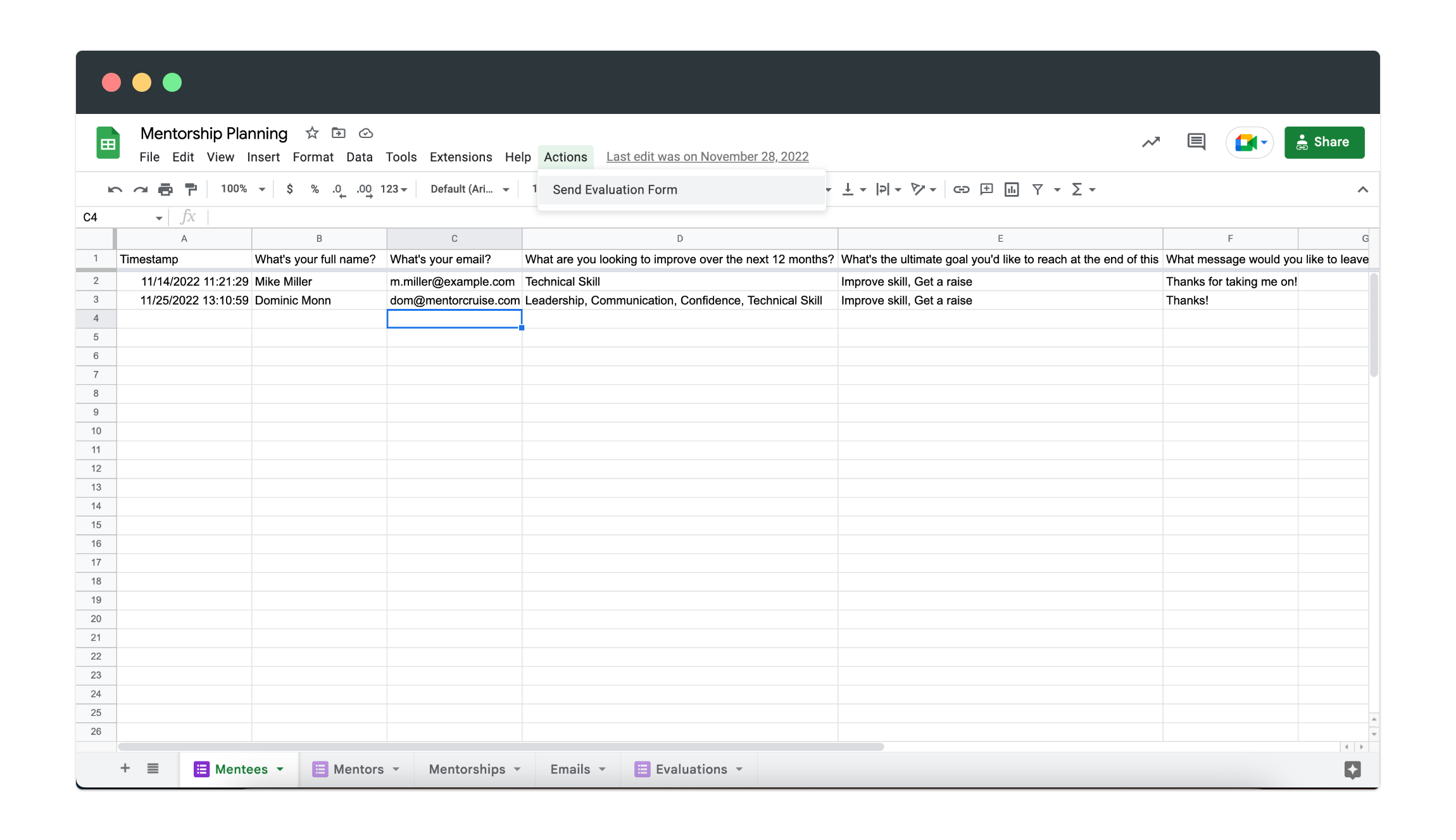
What's inside
Five tabs, wired to Google Forms
Everything a small program needs to go from sign-up to monthly check-in, without extra tools.
-
Mentees
- Everyone who signed up through the intake form, with their goals for the next 12 months and what they want to improve.
-
Mentors
- Your mentor pool, with the skills and experience each person brings, so you can match on more than availability.
-
Mentorships
- Who's paired with whom and since when. One place to see every active pair in your program.
-
Emails
- A record of the emails your program sends, so you know who's been welcomed, nudged and checked in on.
-
Evaluations
- Monthly feedback from your mentees, collected by form, so you can spot pairs that need help early.
-
Google Forms built in
- Sign-ups and evaluations run on Google Forms, and answers land in the right tab automatically.
Is it really free?
What do I need to use it?
How do the monthly evaluations work?
Can I change the questions?
When should we move beyond a spreadsheet?
Getting started
Up and running in an afternoon
-
1
Make your copy
Get the spreadsheet from Gumroad and save your own copy to Google Drive.
-
2
Share the sign-up forms
Send the mentor and mentee forms to your program. Every answer fills the matching tab.
-
3
Match, then check in
Pair people up in the Mentorships tab, then send the monthly evaluation from the Actions menu.
Outgrowing the spreadsheet?
When your own mentor pool runs thin, borrow ours

Amal A.

John S.

Yoav F.

Teodora B.
MentorCruise for teams
Bring in expert mentors for your team
MentorCruise for teams matches your people with vetted external mentors and handles scheduling, billing and reporting.